How to Choose the Best Industrial Laptop Computer for Your Needs?
When it comes to selecting the right Industrial Laptop Computer, expert opinions can guide you. John Reynolds, a seasoned technology consultant with over 15 years in the industry, states, “Choosing the right industrial laptop is crucial for optimizing productivity.” His experience highlights the importance of understanding your specific needs.
Industrial laptops face unique challenges. They must endure harsh conditions, like extreme temperatures and vibrations. Additionally, they often require specialized features, such as enhanced durability and long battery life. Selecting a machine that fits these criteria is essential for success on the job site.
Many users overlook vital aspects during their selection process. They may focus solely on price or brand reputation. However, performance and reliability should be top priorities. It's also worth reflecting on how often you'll use the device and the tasks it needs to perform. Making an informed choice can significantly impact your workflow efficiency and overall satisfaction.
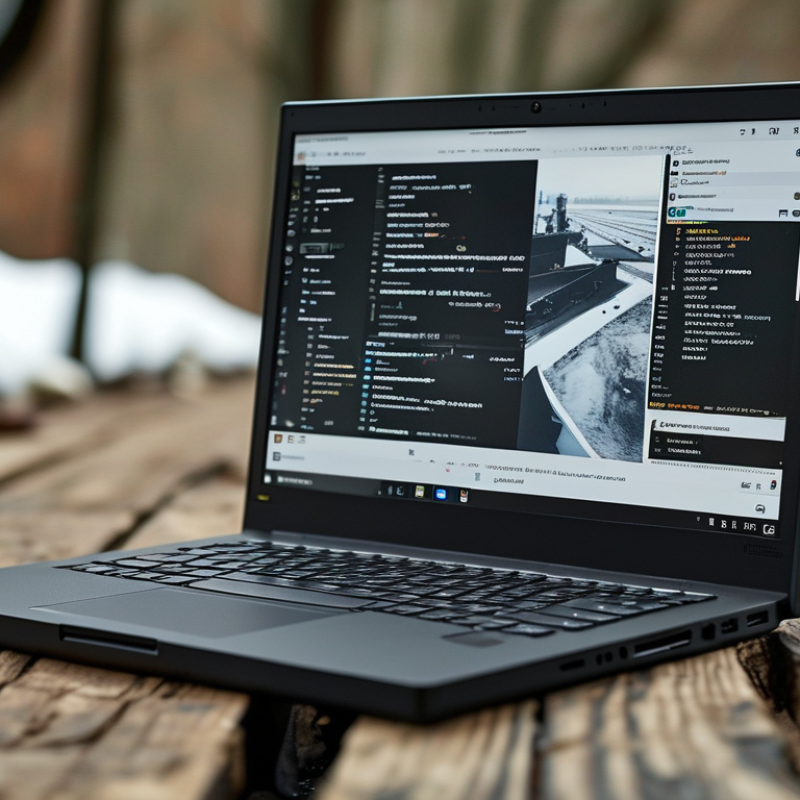
Understanding the Key Features of Industrial Laptops for Durability
When selecting an industrial laptop, durability becomes a paramount factor. These devices often operate in harsh environments. According to a recent industry report, nearly 30% of laptops fail due to environmental stresses. Factors like humidity, temperature extremes, and dust can significantly impact performance.
Key features to consider include rugged designs and military-grade certifications. Many industrial laptops undergo rigorous testing, meeting standards like MIL-STD-810G. This ensures protection against drops and vibrations. Additionally, an IP rating is essential. A higher IP rating indicates better resistance to water and dust. A laptop with an IP65 rating, for example, can withstand low-pressure water jets and dust ingress.
Battery life is critical for fieldwork. A long-lasting battery reduces downtime, allowing for continuous operation. Some devices offer swappable batteries, which can be replaced on-the-go. This detail can profoundly affect productivity when working in remote locations. It's important to weigh these features based on specific job requirements. What works for one industry may not suffice for another.
Evaluating Performance Specifications: Processors, RAM, and Storage Needs
When selecting an industrial laptop, performance specifications are critical. The processor is central to a laptop's capabilities. The latest reports indicate that processors with multi-core designs significantly outperform older models. For productivity, look for at least a quad-core processor. Dual-core options may limit your efficiency, especially for intensive tasks.
RAM is another crucial aspect. Current industry standards recommend a minimum of 8GB for routine tasks. However, for advanced applications, 16GB or more is more reliable. Insufficient RAM can slow down your processes and hinder multitasking capabilities. Users must assess their specific needs carefully.
Tip: Consider future-proofing your purchase. Opting for expandable RAM can save costs later. Also, check any software requirements to ensure compatibility with your chosen RAM amount.
Storage shouldn't be overlooked. Solid State Drives (SSDs) offer faster data access speeds compared to traditional Hard Disk Drives (HDDs). Data suggests that SSDs can reduce load times by as much as 40%. Still, reflect on your storage needs. A smaller SSD may suffice if you primarily work with cloud-based solutions.
Tip: Regularly evaluate your storage needs. Over time, excessive storage can become a hindrance.
Performance Specifications of Industrial Laptops
This chart illustrates the average performance specifications for industrial laptops, highlighting the critical components for evaluating suitability based on processing power, memory, and storage capacity.
Selecting the Right Display and Input Options for Industrial Environments
Choosing the right display and input options for industrial laptops is crucial. A durable screen is essential in harsh environments. Many industries require laptops with anti-glare technology. Reports show that 70% of tasks are done outdoors, where sunlight can hinder visibility. Opt for a bright display, ideally with at least 1,000 nits.
When it comes to input options, touchscreens are increasingly popular. Studies indicate that 60% of field workers prefer them for ease of use. But tactile feedback is also vital. Keyboards should be spill-resistant and have a comfortable design for extended use.
Consider ambient conditions like temperature and humidity. Some devices might not perform well in extreme environments. Users have found that LCD screens can suffer from poor responsiveness in cold temperatures. A hybrid approach that combines both touchscreen and keyboard might serve as a practical solution. Balancing durability, visibility, and user preferences is key to making the right choice.
Assessing Connectivity and Port Requirements for Industrial Applications
When assessing connectivity and port requirements for industrial laptops, it's essential to consider the specific applications they'll support. Industrial environments often demand robust connections to various devices. Common options include USB, Ethernet, and HDMI ports. Understanding the types of devices typically used can guide your choices. Industrial applications may require multiple USB ports for peripherals. This is a key factor not to overlook.
Wireless connectivity is another critical aspect. Wi-Fi capability is necessary, but in many industries, Ethernet is still king for stable connections. Not all areas have reliable wireless signals. Sometimes, equipment must maintain uninterrupted communication, especially in manufacturing settings. Therefore, laptops should ideally have dual connectivity options.
Evaluate the anticipated data transfer rates as well. High-speed connections are essential for real-time applications. However, the need for speed must be balanced with overall reliability. Sometimes, slower connections may provide more stability in certain environments. Ultimately, weighing these factors ensures that you choose a laptop that aligns with your operational needs while allowing for future growth.
Budgeting: Balancing Cost with Required Specifications and Longevity
When budgeting for an industrial laptop, consider your specific needs carefully. It’s easy to be drawn to the latest technology, but focus on what truly matters for your work environment. Essential specifications include durability, battery life, and processing power. For instance, a rugged case may prevent damage in harsh conditions. Each feature should match your tasks exactly.
Balancing cost with longevity is tricky. A cheaper laptop might seem appealing initially, but it may not withstand demanding use. Frequent repairs or replacements can inflate your costs in the long run. It’s essential to analyze the total cost of ownership. Sometimes investing in a more expensive model pays off through reliable performance.
Reflecting on your previous purchases can provide helpful insights. Ask yourself, did that last laptop meet your expectations? Did it fail too quickly? Learning from past experiences helps make better decisions today. Always weigh your options. Finding the right balance ensures you invest wisely.